Hardik Tiwari
Founder
Founded BuildAlly to simplify construction management through technology — so builders, contractors and interior firms can run projects, teams, finances and site operations from one platform.
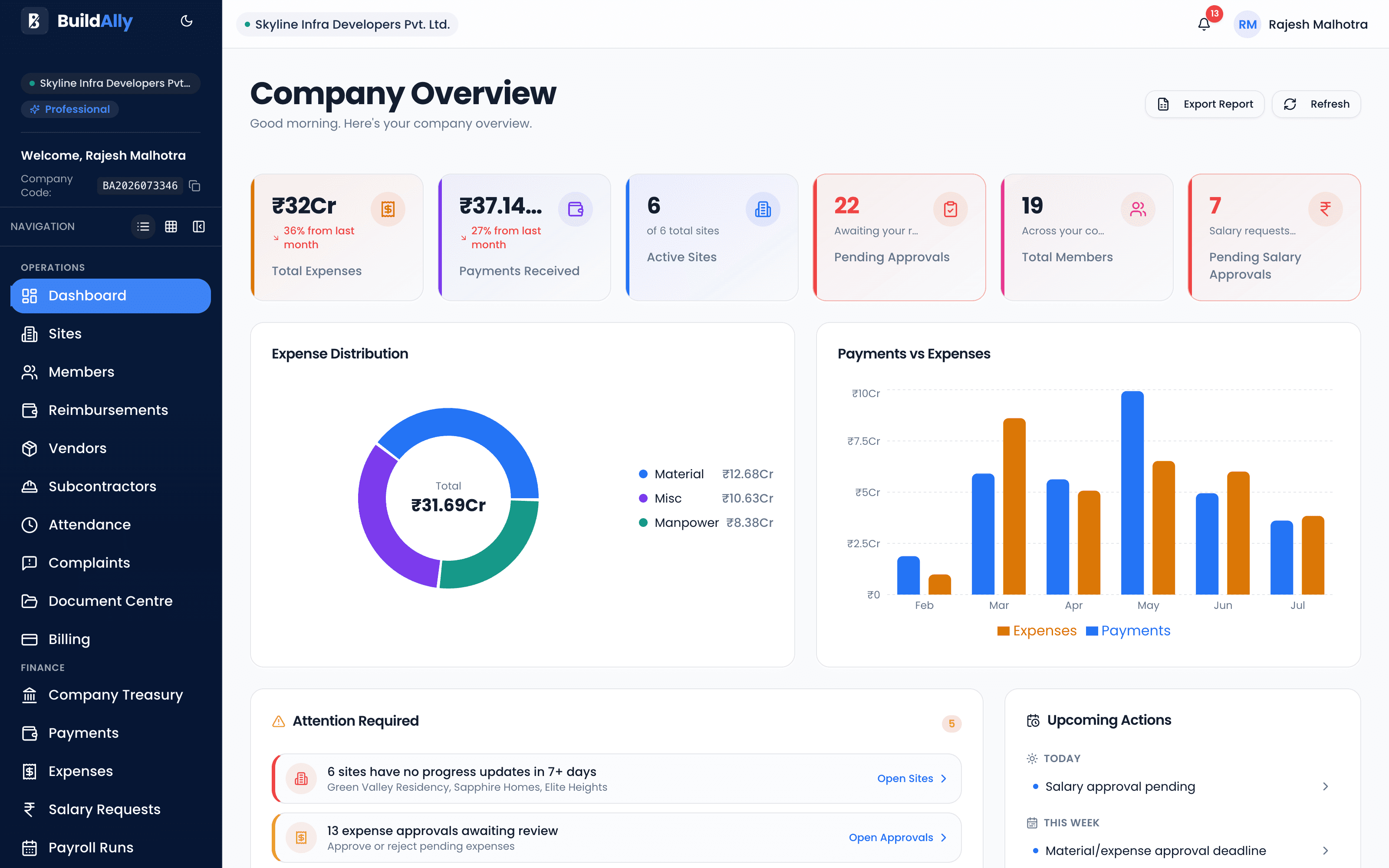
Manage your construction sites, teams, schedules, expenses, documents and daily operations from one powerful platform — with AI-powered construction intelligence built in.
Plans starting at ₹1,250/month · Billed annually at ₹14,999. Or ₹1,499/month billed monthly.
Prefer hands-on? Start a 7-day paid trial for ₹499
Sound familiar?
Construction runs on fragmented, informal tools. Information gets lost, money leaks, and you find out about problems too late.
Site updates scroll away. Nothing is searchable, and no one is accountable.
Numbers never match, are never current, and one wrong cell hides an overrun.
Decisions get stuck on someone's phone. Nothing is traceable.
By the time a cost blowout or missed payment reaches you, it has already happened.
Nobody knows which drawing is the latest — until the wrong one gets built.
The platform
Sites, schedules, attendance, payroll, treasury and spend — one workspace, real-time, for every role on the project.
Project & Site Management
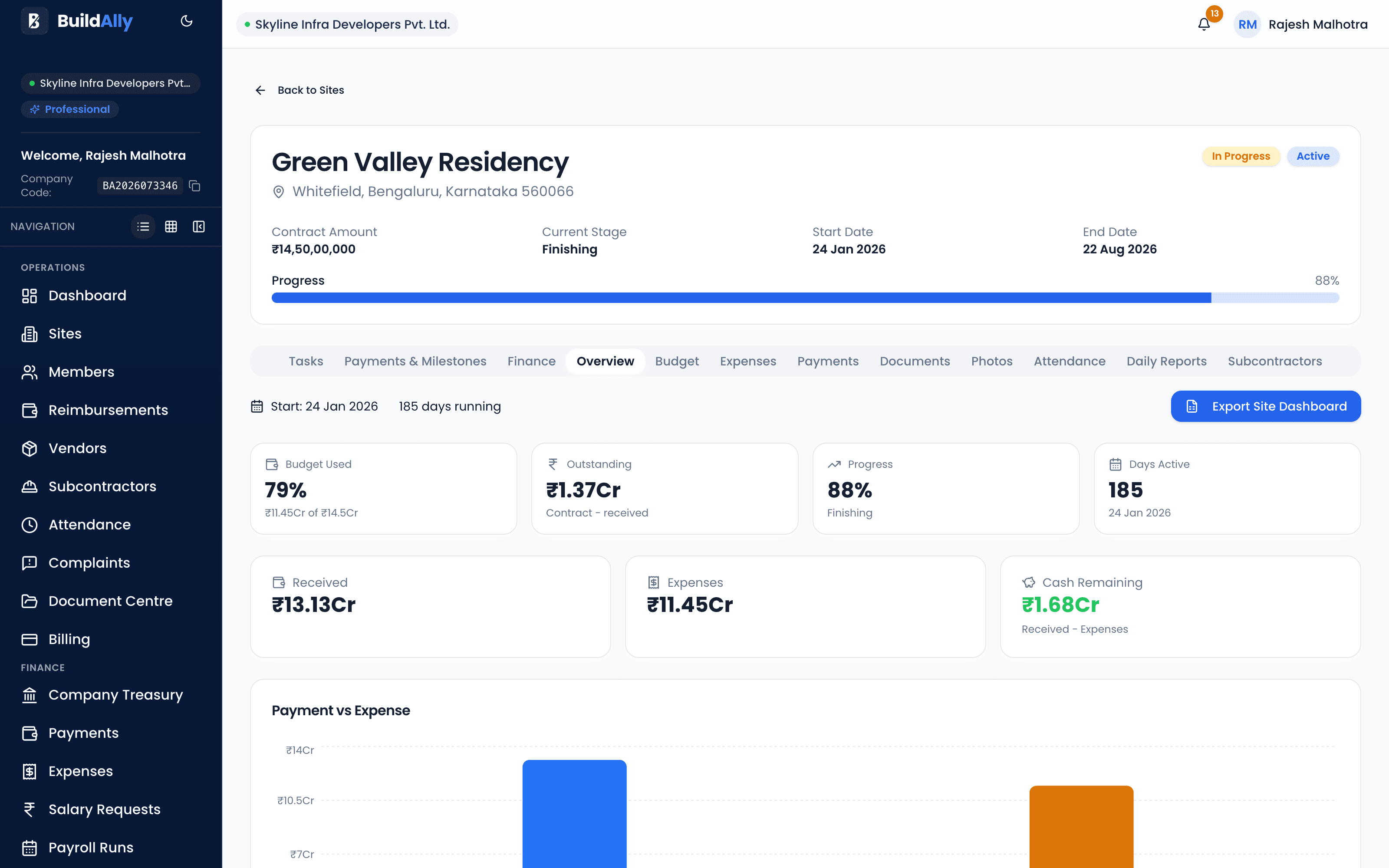
Run all your projects from one workspace, each with its own Site Hub — progress, timeline, budget, documents, attendance and photos in one place.
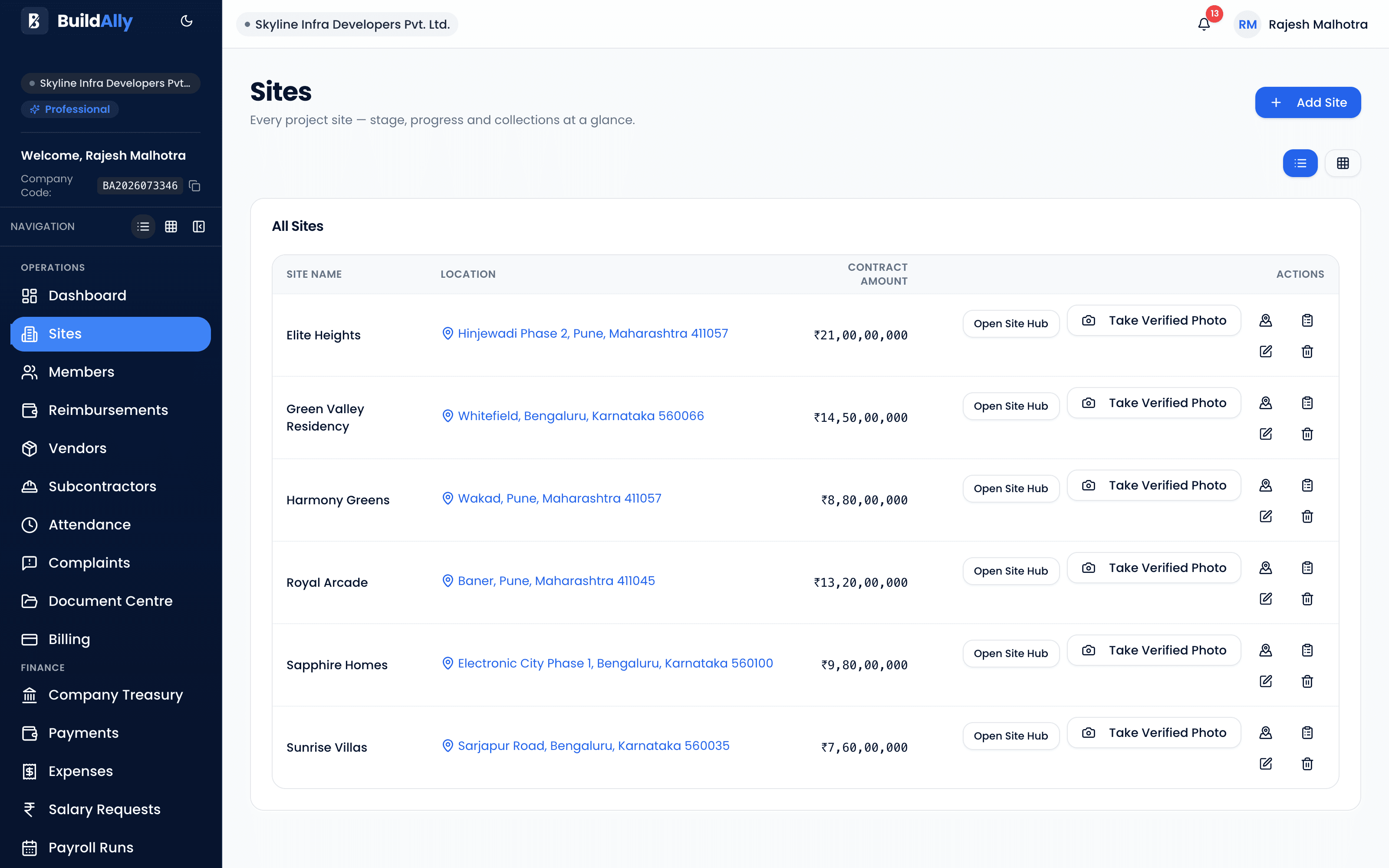
Attendance Management
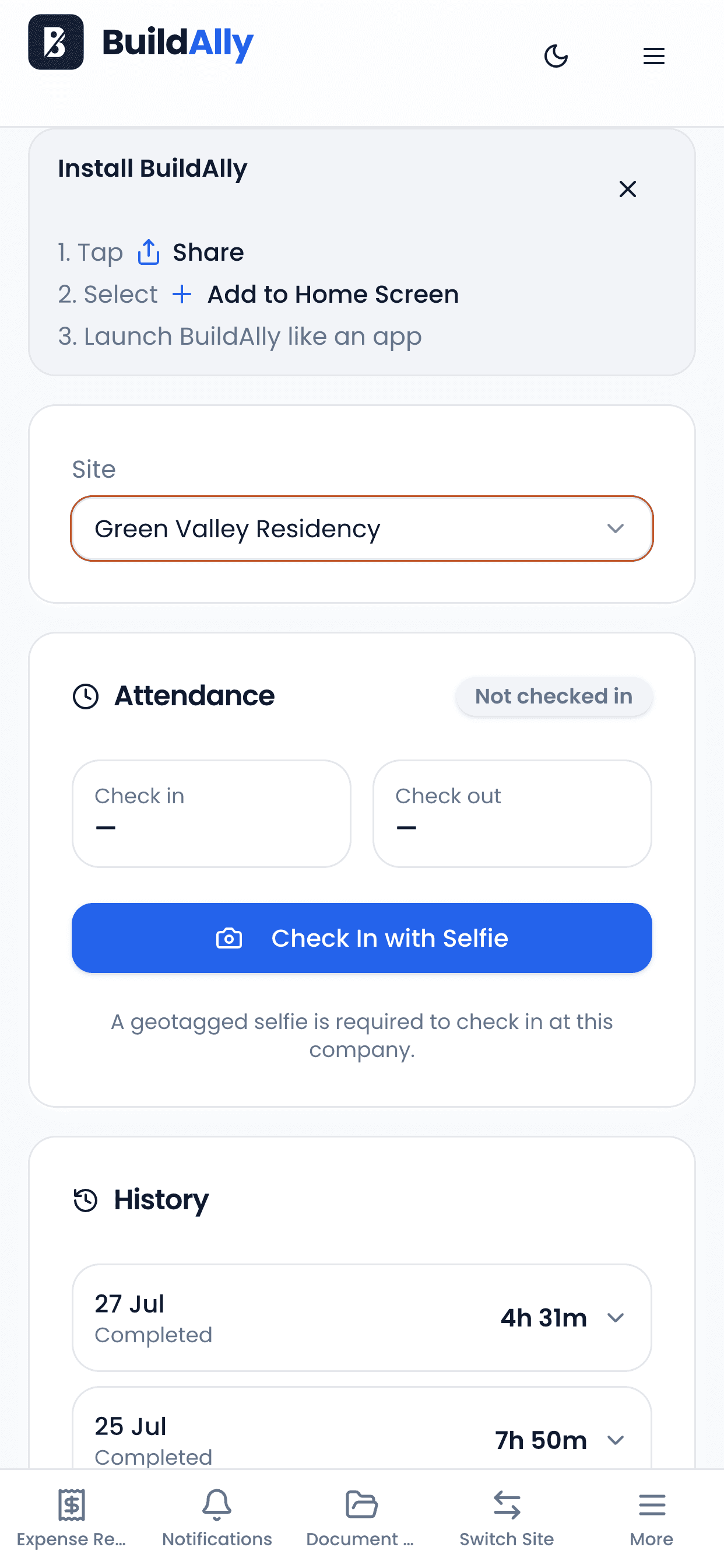
Every check-in stores the location, the distance from the site centre and the GPS accuracy of the fix. Attendance history feeds straight into payroll.
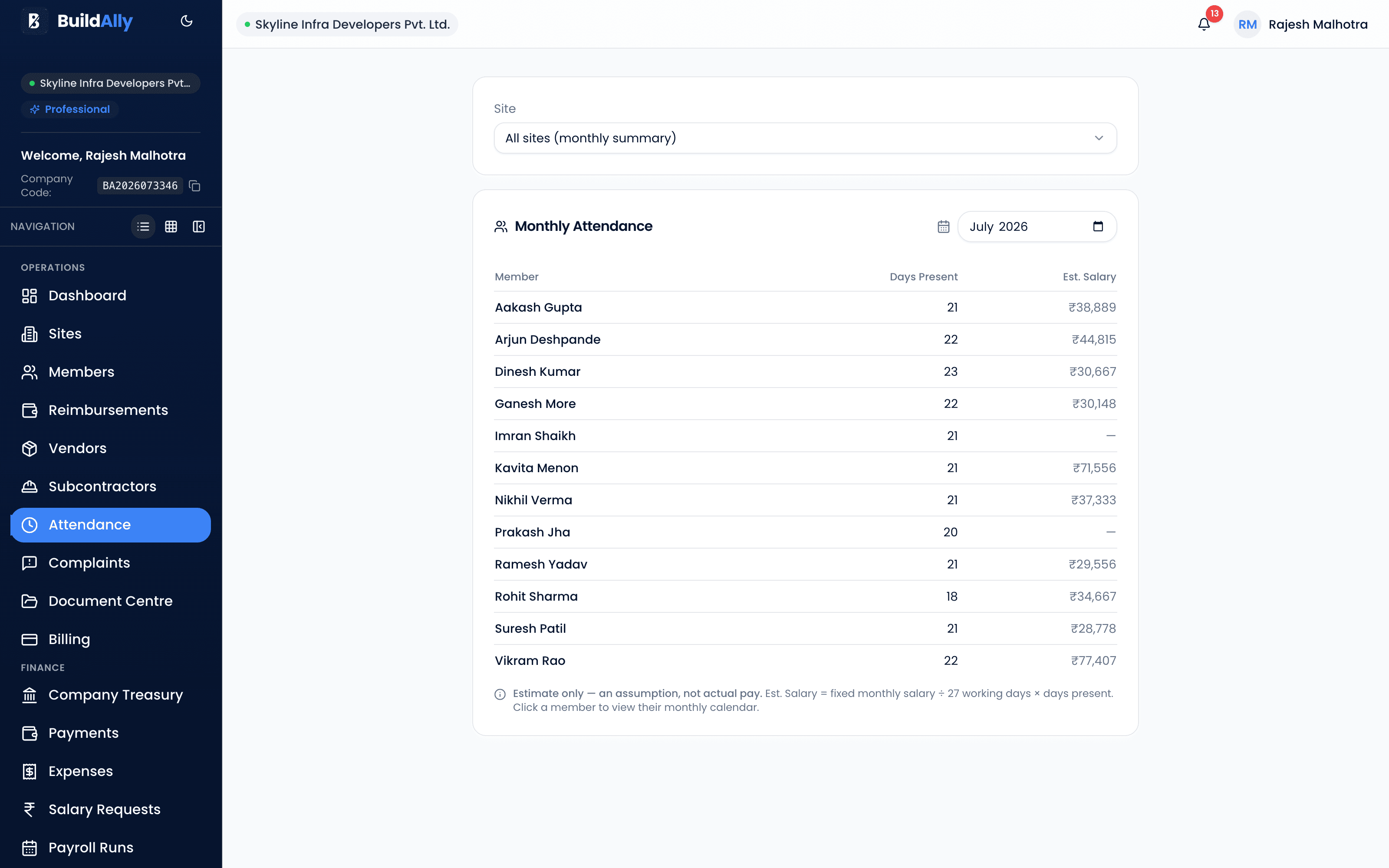
Salary & Payroll
The people who know the work raise it, the people who own the money approve it, and the numbers come from real attendance records.
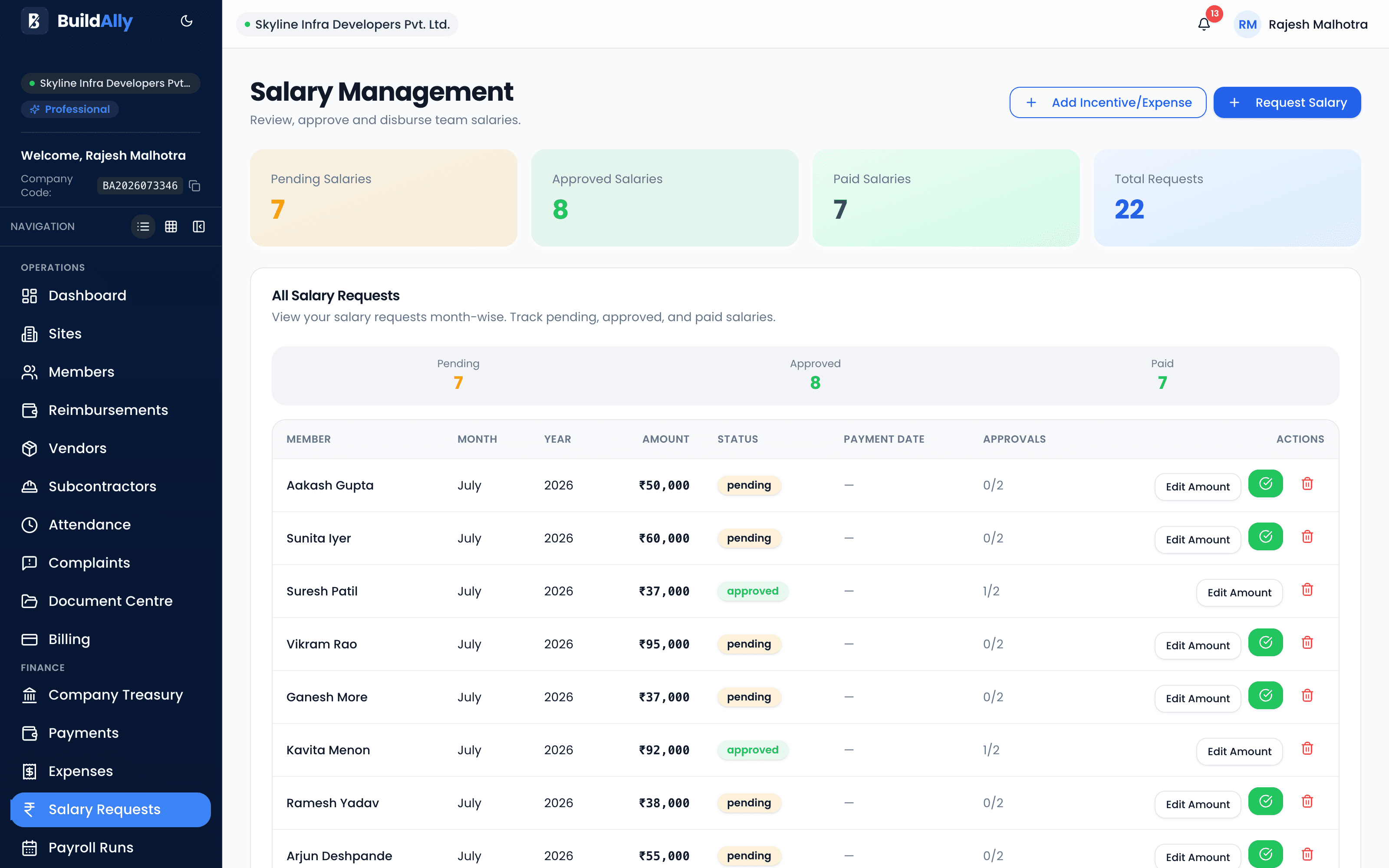
Company Treasury
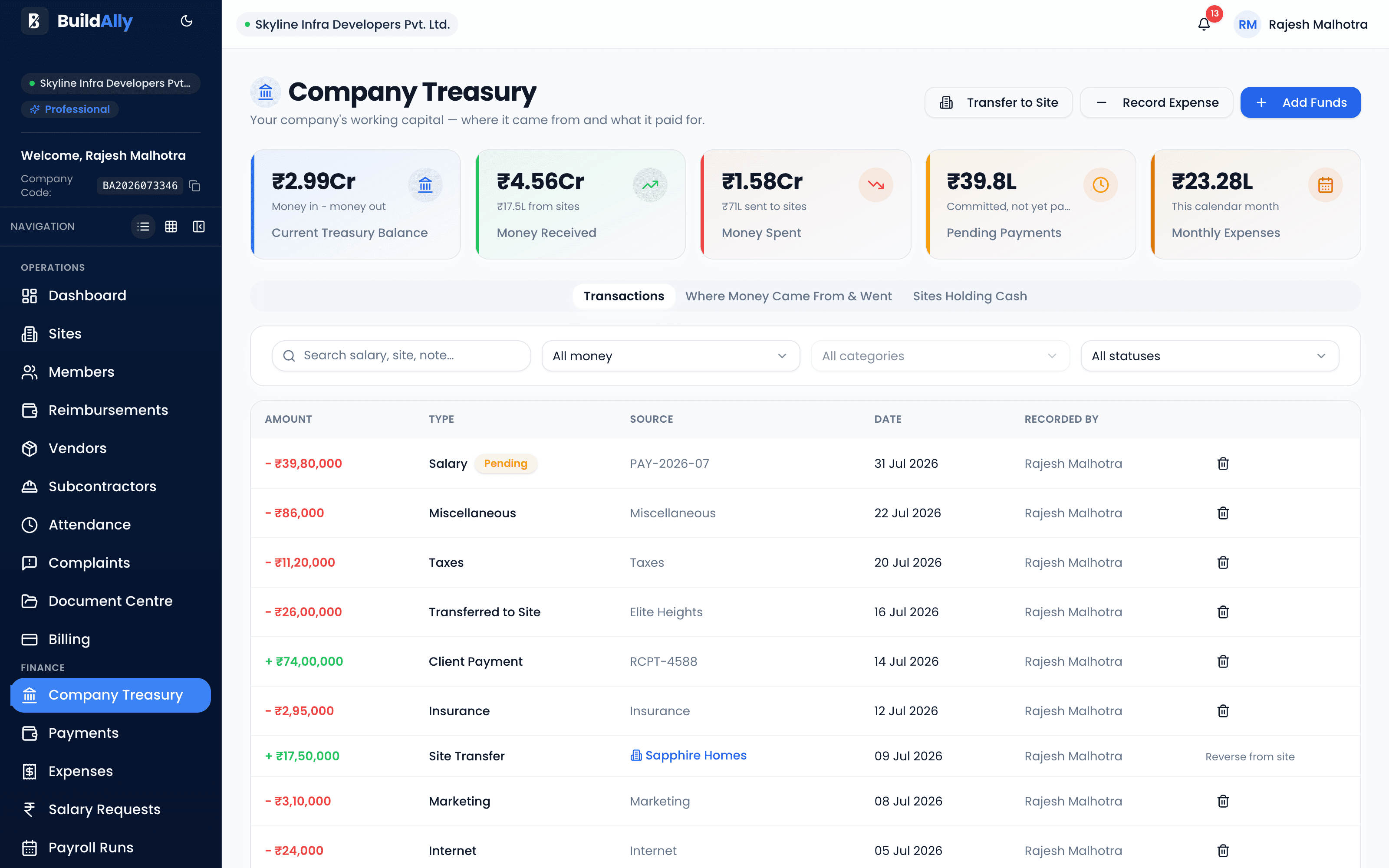
Most construction software tracks project money and stops there. BuildAlly shows your actual working capital — not the sum of six project balances.
Expense Management
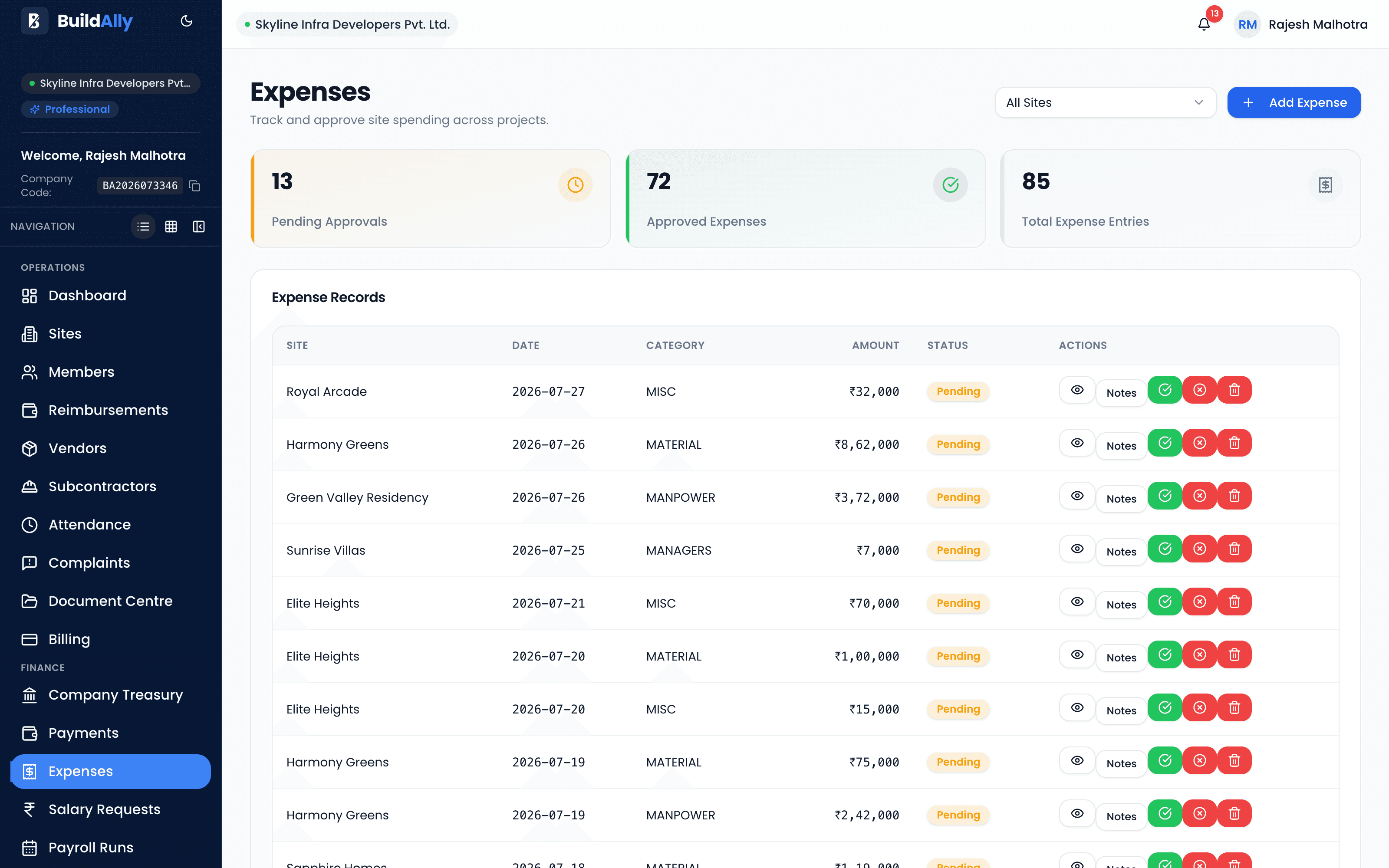
Site spend is raised by the people on the ground and approved by the people who own the budget — not reconstructed from receipts at month end.
GPS verification
Two capabilities most construction software simply doesn't have — and the reason BuildAlly pays for itself.
Draw a circle around your site. Attendance only counts from inside it — the rule is set once per site and enforced by the server on every single check-in.
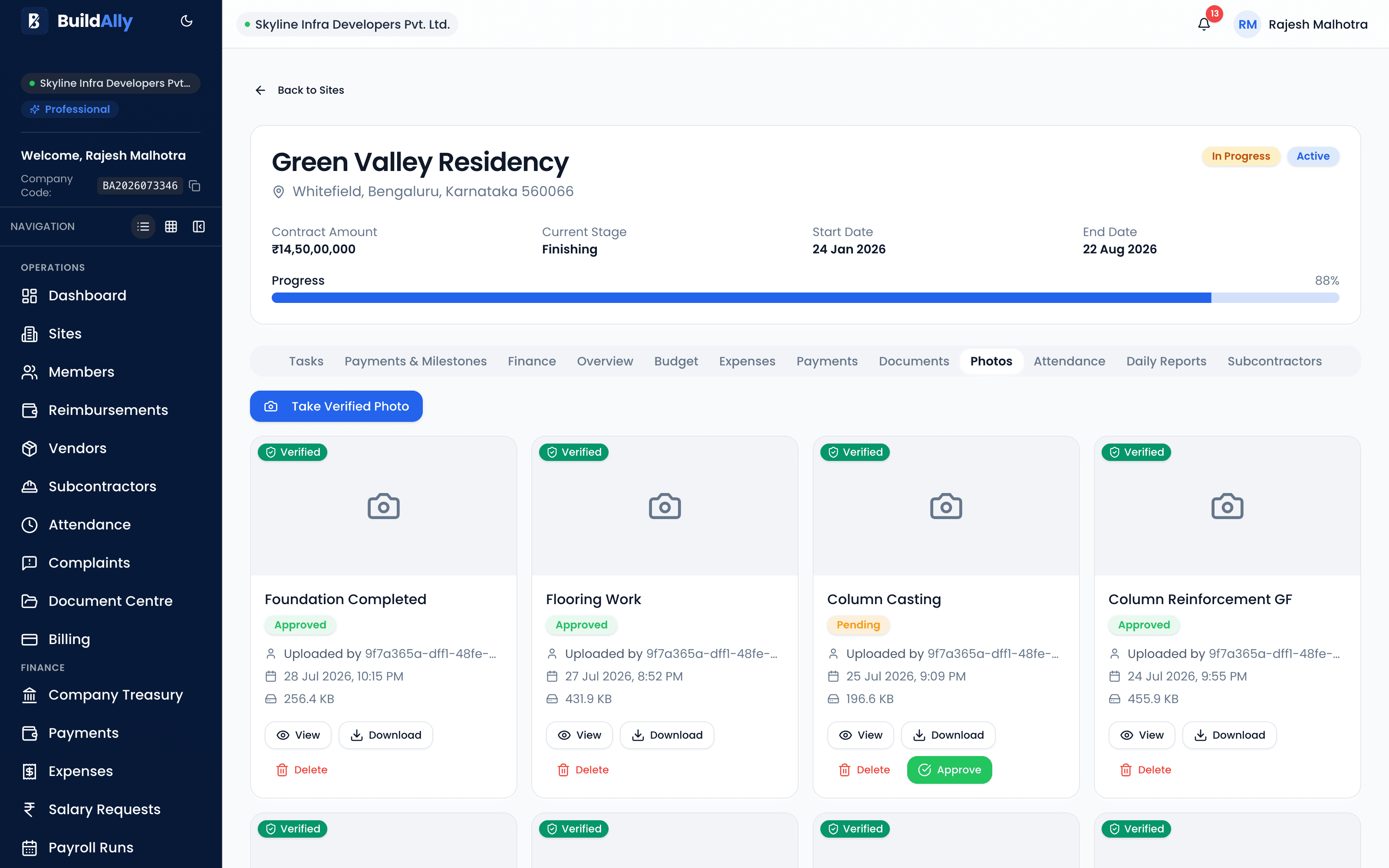
Site photos that can't be faked — taken live through the app's camera, then stamped server-side with the site, the engineer, the time and the GPS position.
BuildAlly AI · Included
BuildAlly AI understands your real construction data — sites, schedules, expenses, materials and documents — so you can ask, understand, and act from one place.
Ask about any site — progress, delays, expenses, materials — and get answers grounded in your actual BuildAlly data.
When a site slips, BuildAlly AI lays out the evidence — incomplete work, slower progress, delayed materials — so you see why, not just what.
Summaries of construction activity and site health that surface the items worth your time today.
From a follow-up task to a multi-step action plan — the AI collects the required information and attachments, then hands it to you for review.
How a request moves
Every step up to Execute is a recommendation. Nothing important happens without your confirmation.
BuildAlly AI
Construction Intelligence
Director
Green Heights is currently showing schedule risk. The main evidence is:
The available evidence suggests the material delay may be contributing to the schedule risk.
Would you like me to prepare a follow-up action plan?
Review Action PlanActions run only after you review and confirm them.
Needs your attention
Steel delivery delayed
Green Heights · Materials
Foundation milestone at risk
Green Heights · Schedule
Follow-up task overdue
Skyline Towers · Operations
BuildAlly detects meaningful changes and brings them to your attention.
Proactive intelligence
A delayed delivery, a milestone drifting towards risk, a follow-up nobody closed — BuildAlly detects meaningful changes across your sites and brings them to your attention.
AI identifies and recommends. The decision — and the control — stays with you.
BuildAlly AI can analyze your construction data, recommend actions and prepare workflows. Important changes still go through BuildAlly's permission and confirmation system.
AI does not make important changes on its own — it prepares them for your review.
AI works through approved operational actions; construction schedule changes remain protected.
AI respects the same role-based access and auditability as everything else in BuildAlly.
AI-powered construction intelligence is included with your BuildAlly subscription — subject to fair-use limits.
More of the platform
Reporting, documents, tasks, people and approvals — all in the same workspace, under the same permissions.
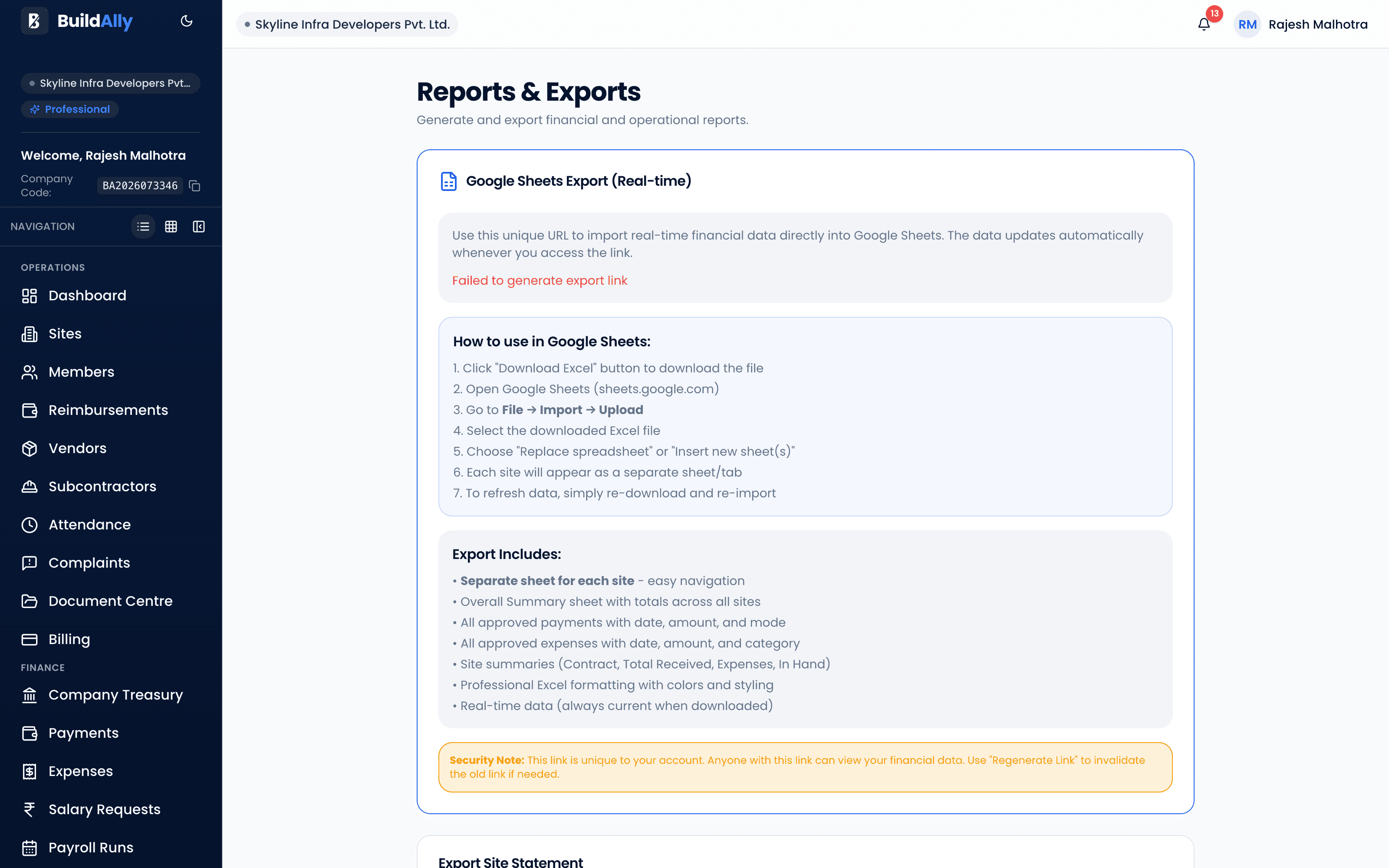
Attendance, salary, expense, treasury and site reports — exported to PDF and Excel under your own branding.
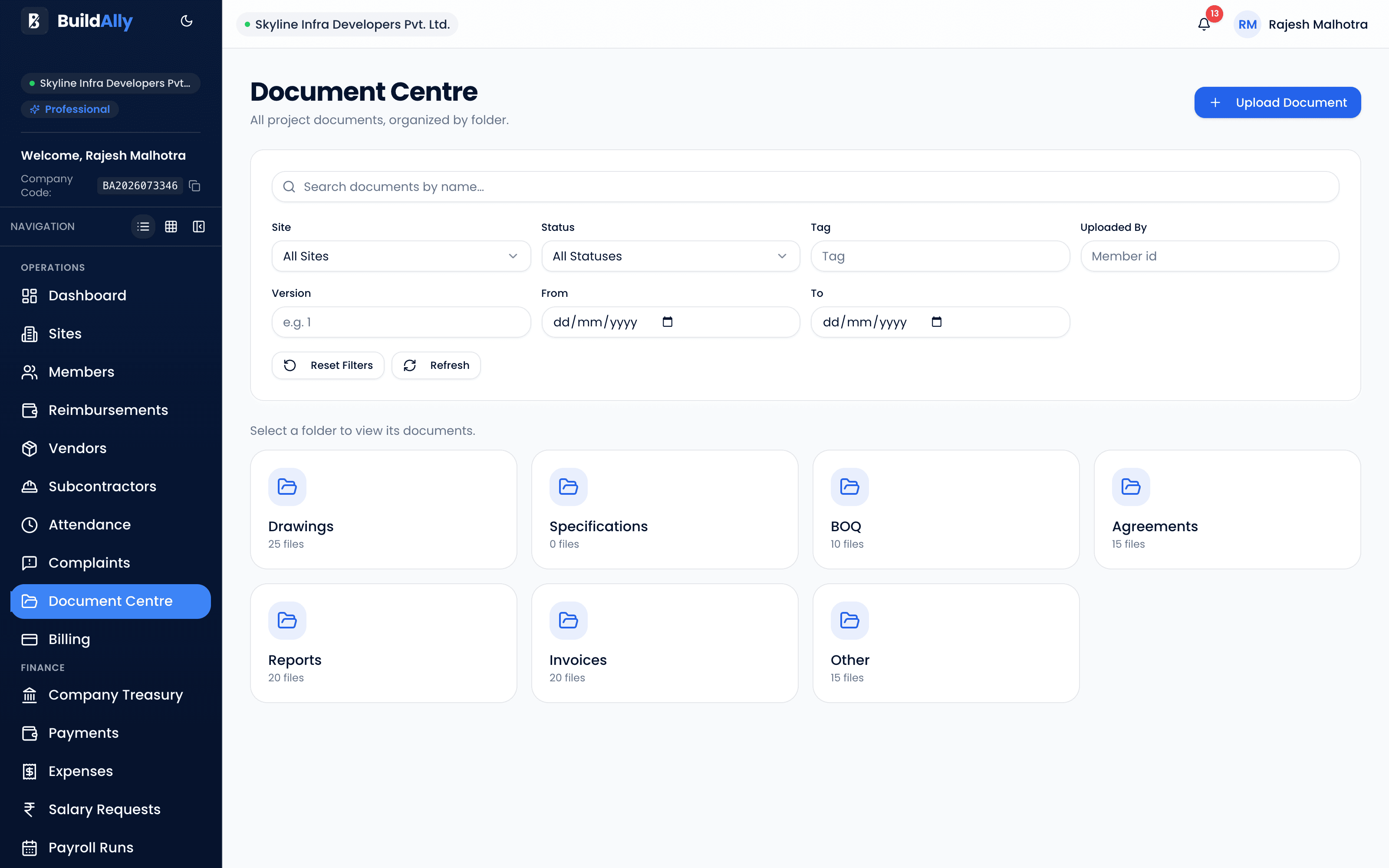
Drawings, agreements, BOQs and invoices in seven folders, with version history and an approval workflow.
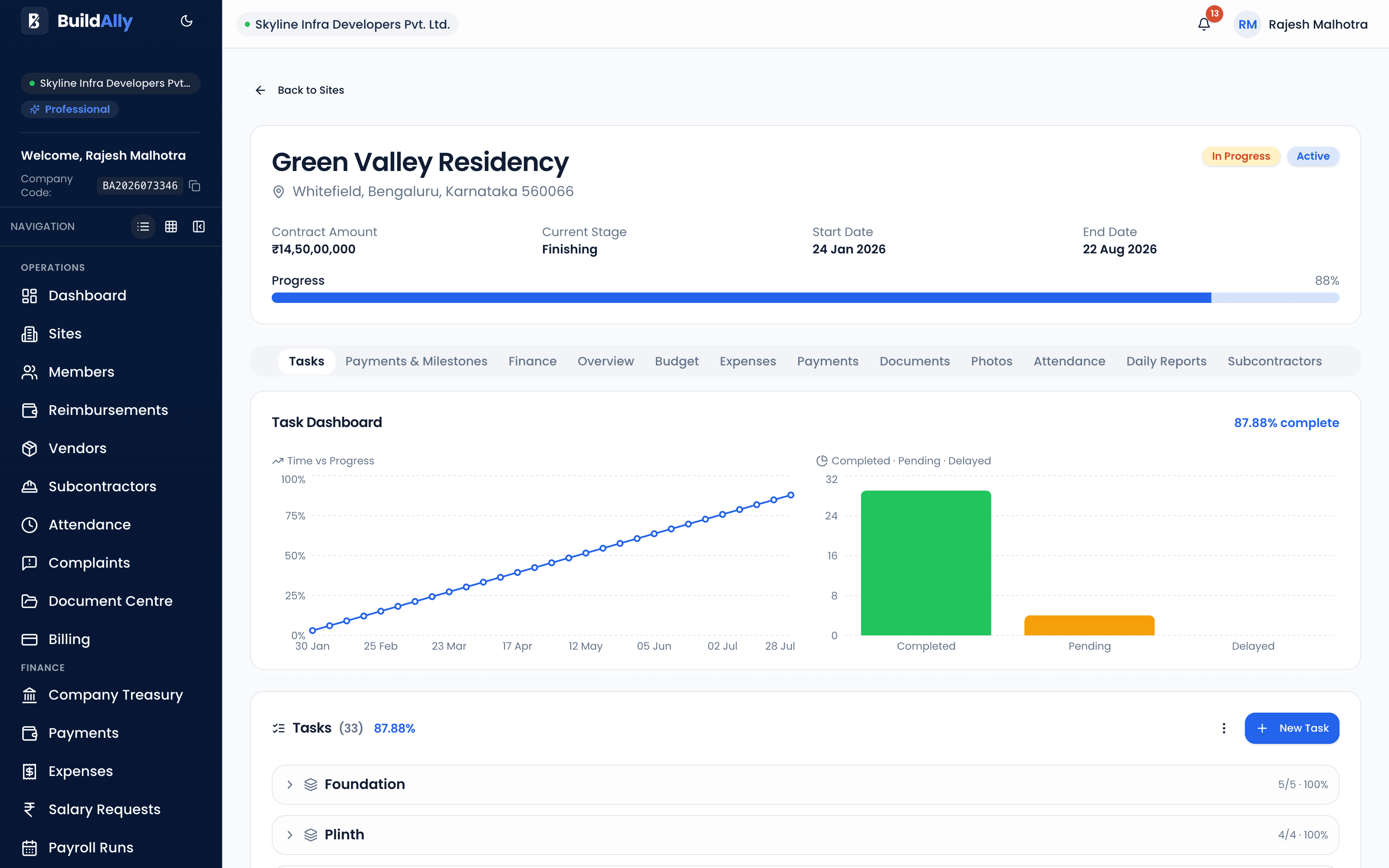
Milestones, calculated schedules and progress tracking — with completion requests that keep every number honest.
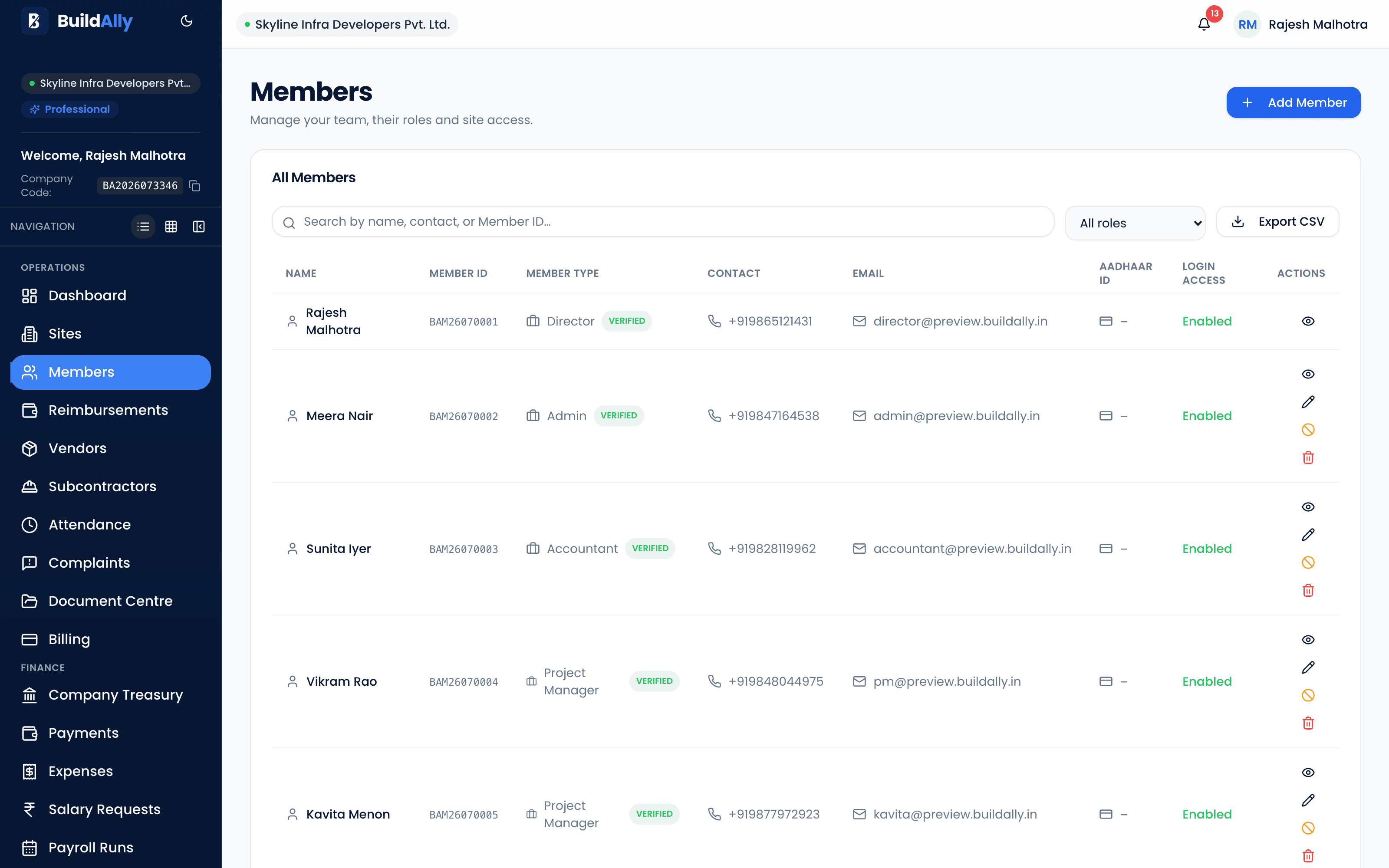
Members, roles, departments and permissions across nine roles — including a client-facing Key Holder portal.
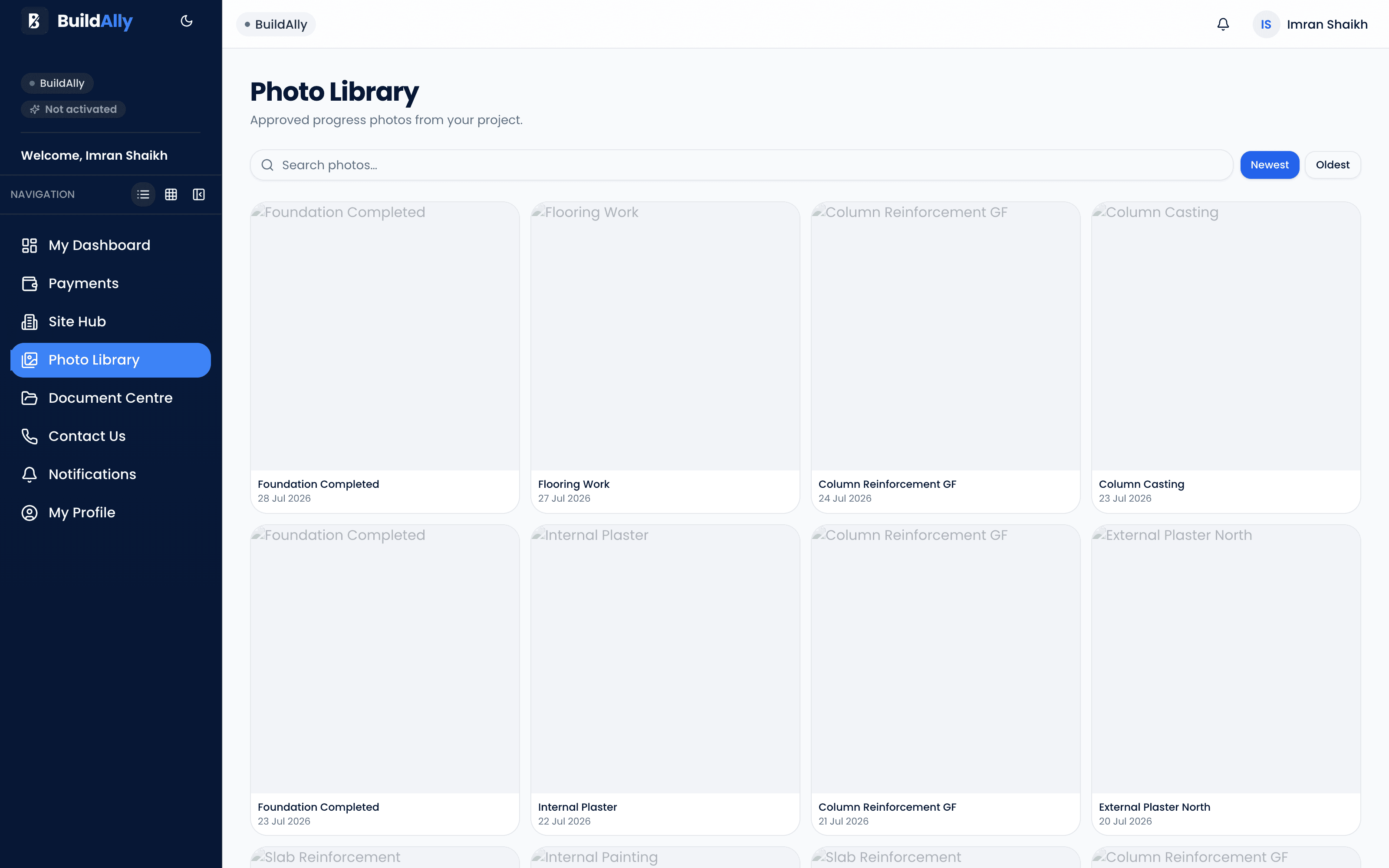
A verified photo library per site — searchable field evidence of progress, not a shared drive.
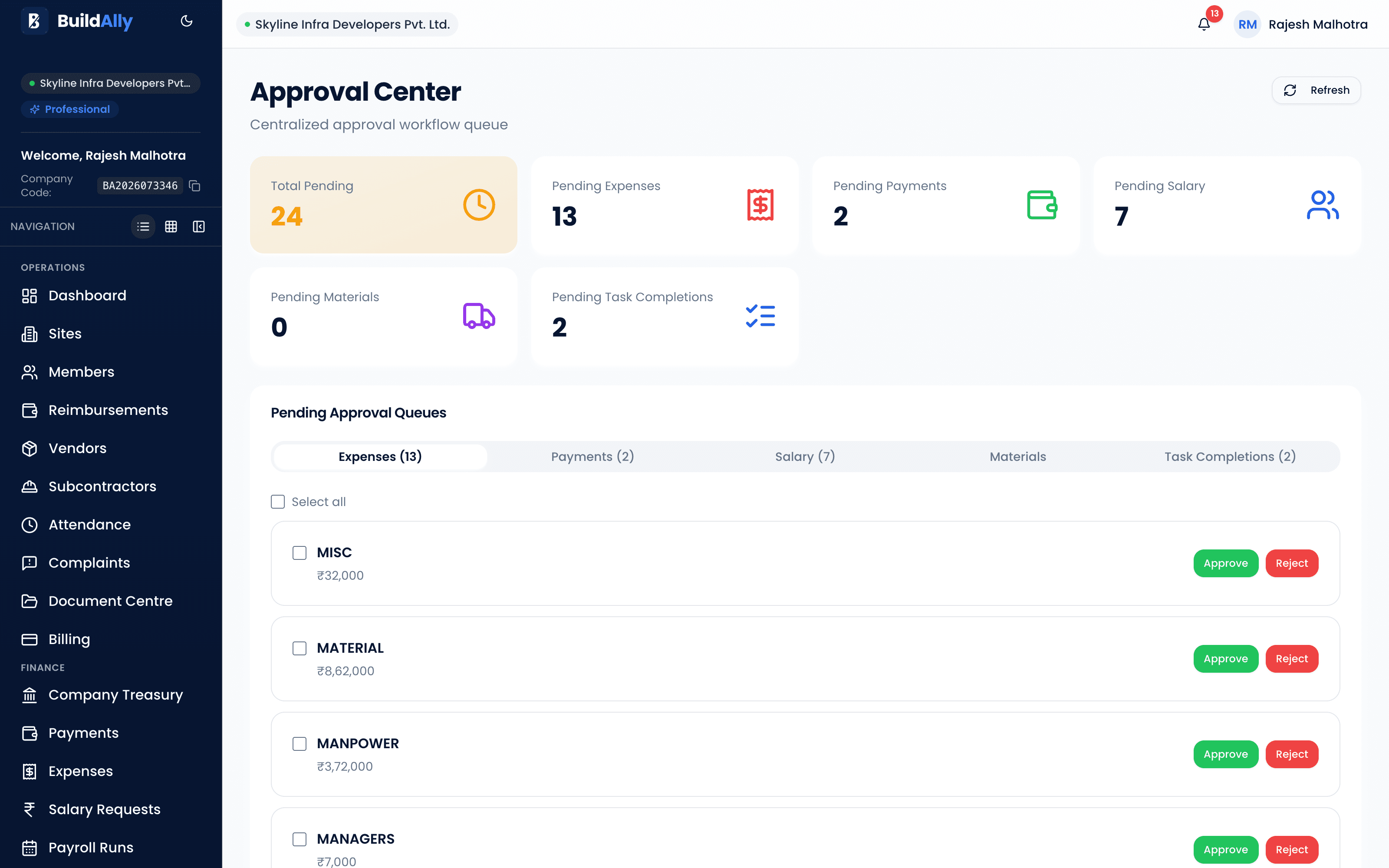
Expenses, payments, salary, materials, tasks, documents and photos — all with a configurable escalation threshold.
Role-based experience
From the Director's overview to the Site Engineer's task list, everyone gets a view built for their job — and only the access their role allows.
See the whole business.
Manage the work.
Know what to do.
Stay connected to your site.
Good morning, Rahul
My Work
Check steel delivery
Due TodayGreen Heights
Open TaskUpload slab progress photo
Due TomorrowGreen Heights
Simple enough for the construction site
Designed for field teams — open a task, do the work, attach the photo, done.
Mobile workforce
Designed for field teams. The people generating the data — engineers and supervisors — are never at a desk. If it doesn't work on a phone, it doesn't get recorded.
A PWA with app shortcuts — or get the Android app from Google Play.
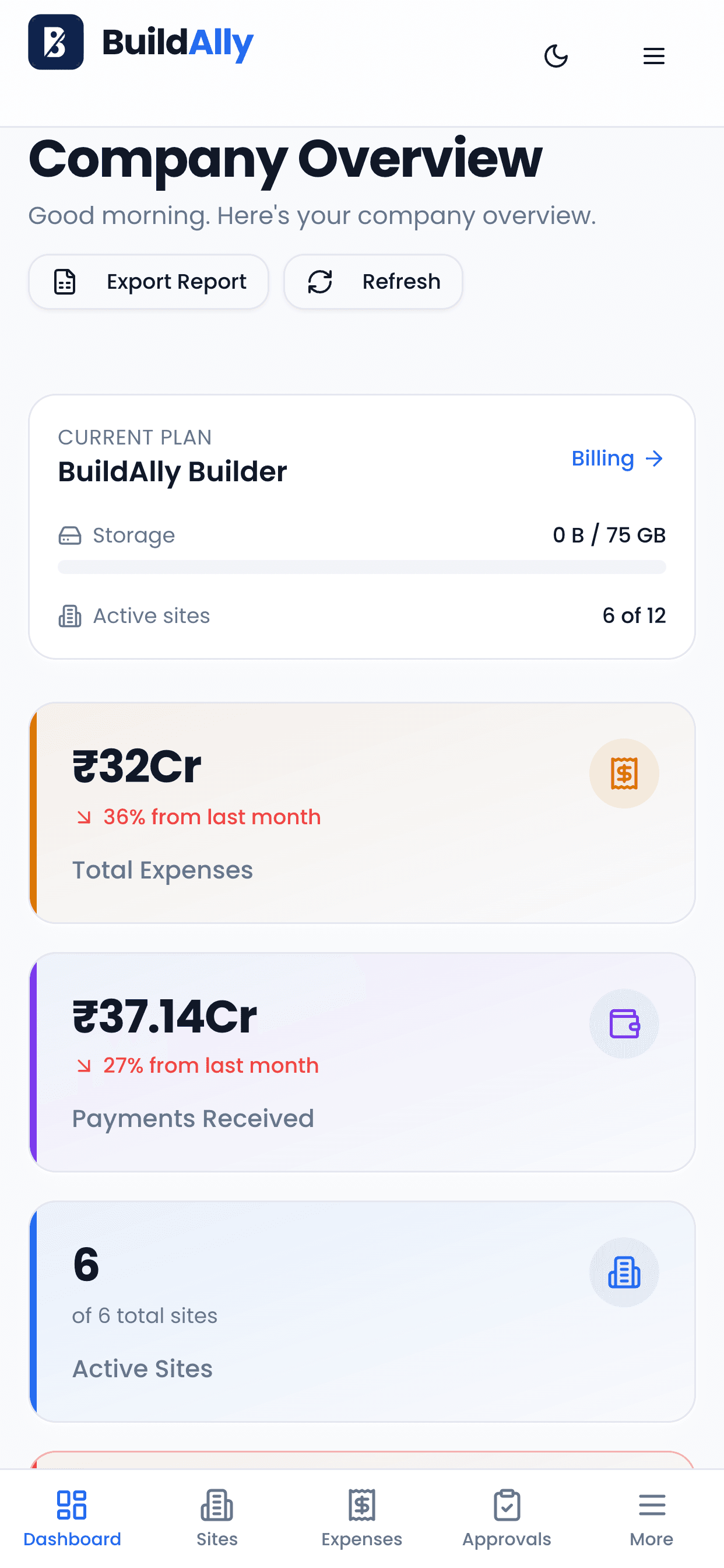
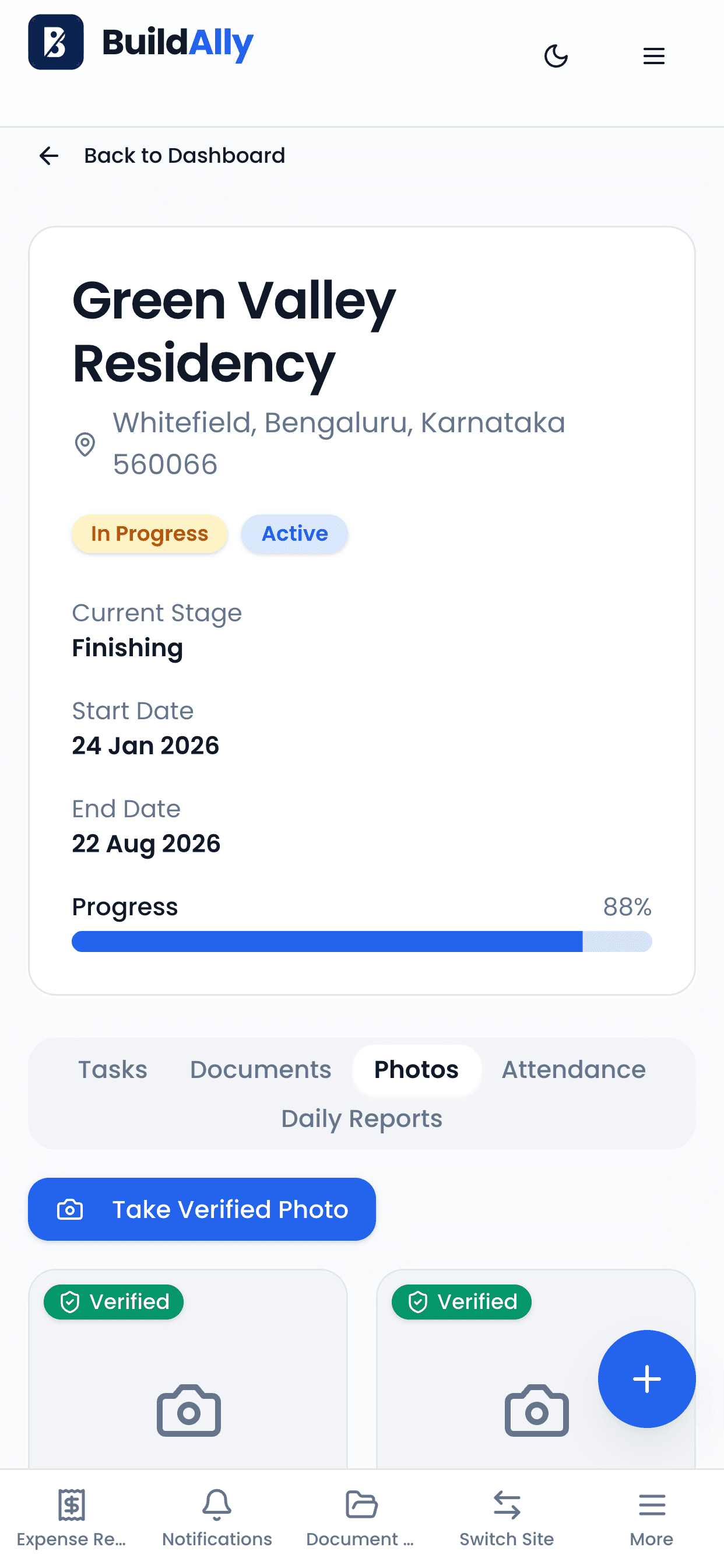
Check in and capture verified site photos straight from the phone.
A queue replays what your team recorded once signal comes back.
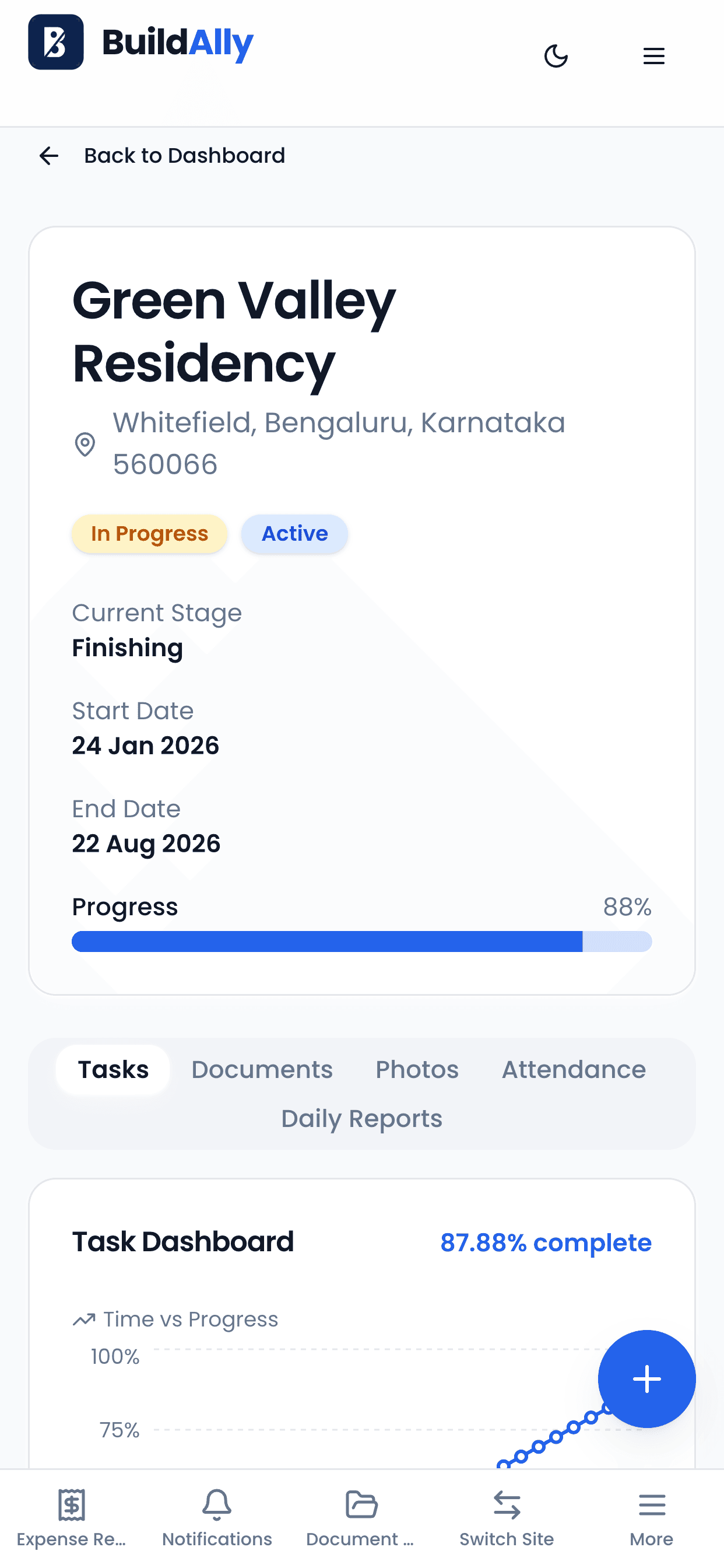
Dashboards, the 12-tab Site Hub and the client portal, all on mobile.

Available on Google Play
Coming Soon on the App Store
Or install straight from your browser — no app store needed.
The construction lifecycle
Sometimes a project doesn't exist in BuildAlly yet. Directors can draft the agreement and the quotation directly from the platform — then carry the same client straight into a live site.
Draft professional construction agreements directly from BuildAlly — ready to share as a polished PDF.
Build client quotations from the same platform, before the project even exists as a site.
Win the work before the site exists in BuildAlly.
Run the build from one platform.
Construction intelligence at every stage.
The task system
BuildAlly keeps the construction schedule and day-to-day operational work separate — two kinds of work, two systems, one clear picture.
The backbone of the project — protected from day-to-day noise.
The daily coordination that keeps a site moving.
Also included
Quietly important things that every plan ships with.
Web push and email across 18 notification types, so approvals never stall.
Nine roles and 60+ permissions, enforced server-side on every request.
Install as a PWA from the browser. Native camera and GPS, works offline.
Password, Google SSO, magic links, OTP and remember-this-device.
Secure invite links that land each person in the right role from day one.
Working week, approval thresholds, selfie policy and geofence defaults.
Why BuildAlly
Built around how builders and interior teams work — not a generic project tool with a hard hat on the homepage.
Sites, subcontractors, attendance and site finance — modelled the way builders actually work.
The same platform, sized for fit-out teams running a handful of concurrent projects.
An isolated workspace per company, reachable from any browser, with nothing to install.
A PWA your field team installs from the browser — camera, GPS and offline capture included.
Per-company tenant isolation, server-enforced permissions and an append-only audit log.
Dashboards that surface what needs attention before it becomes expensive.
Field screens simple enough that engineers actually record the work.
Start on one site and grow to a portfolio without changing how you work.
Getting started
No implementation project, no consultants. Create your workspace and invite the team.
Create your account with email, Google or a magic link.
Set up your isolated workspace and company profile.
A 7-day paid trial for ₹499, or subscribe to a plan straight away.
Add projects and set each site's geofence.
Secure invites with the right role for each person.
Attendance, expenses, salary, documents and reports.
Move up a plan without losing any data.
Billed annually at ₹14,999. Or ₹1,499/month billed monthly.
Every plan includes the complete BuildAlly platform. Choose by how many active sites you run.
Starter
₹1,499/month
or ₹14,999/year, billed annually
GrowthRecommended
₹4,999/month
or ₹44,999/year, billed annually
Business
₹9,999/month
or ₹89,999/year, billed annually
Enterprise
Custom
Pricing and limits
Scale as you grow
Start with the plan that fits today and move up as you take on more sites — from a few projects to a full portfolio.
Growth includes 10 active sites. Add up to 8 more at ₹375/site/month or ₹3,999/site/year, billed on the same period as your plan.
Upgrade to a bigger plan at any time — your sites, documents and history carry over untouched.
Plan limits count active sites only, so finishing a project makes room for the next one.
Active sites by plan
Starter
Up to 3 active sites
Growth
10 active sites, up to 18 with add-ons
Business
Up to 25 active sites
Enterprise
More than 25 active sites
Need more than 25 sites? Talk to our team.
Our team
The people building the future of construction management.
Founder
Founded BuildAlly to simplify construction management through technology — so builders, contractors and interior firms can run projects, teams, finances and site operations from one platform.
Founder
Works alongside the founding team to shape BuildAlly's growth, product strategy and customer experience.
Co-Founder
Focused on building scalable solutions and the continuous development of the BuildAlly platform.
Co-Founder
Supports the company's mission of delivering a modern, reliable and scalable construction management platform.